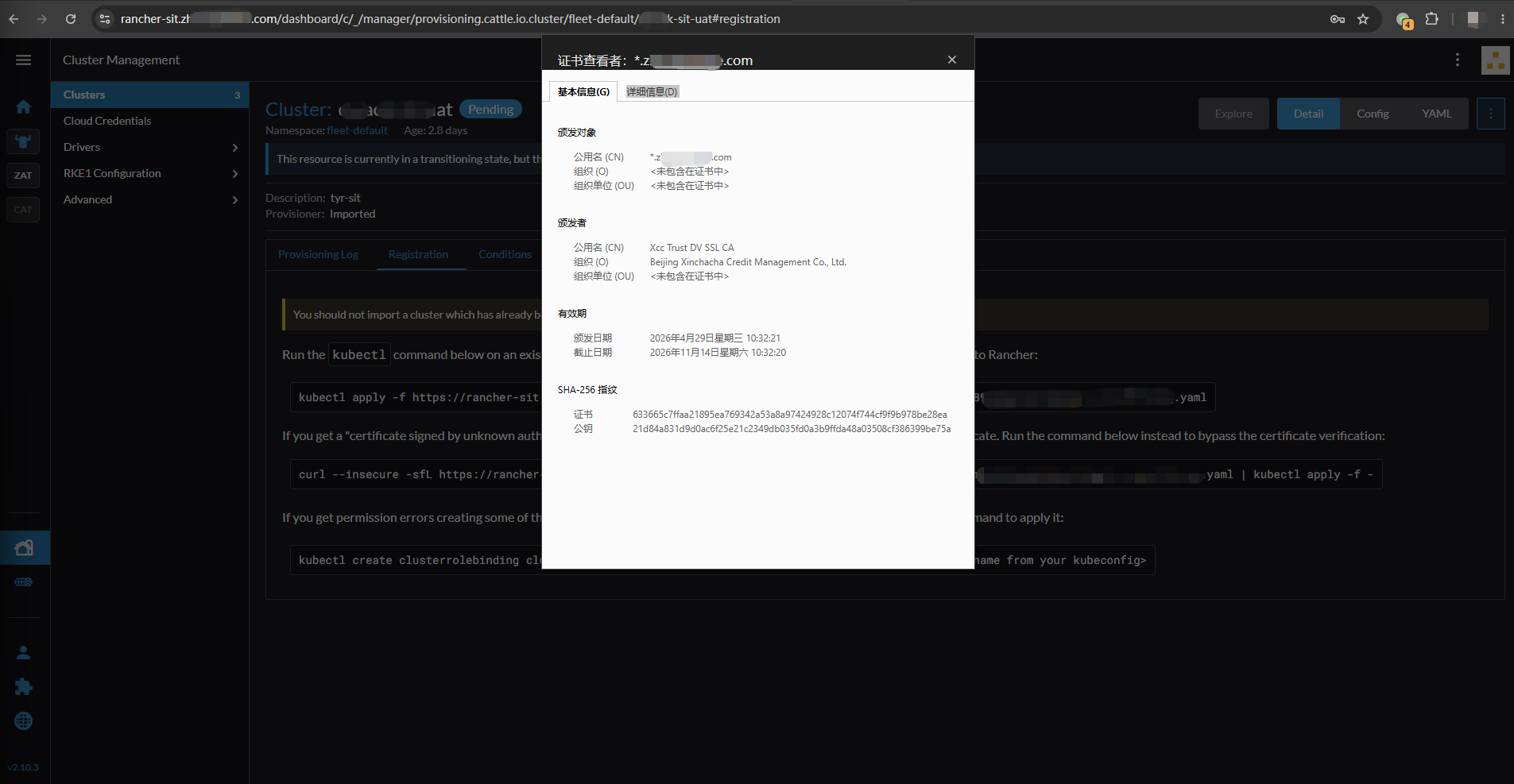
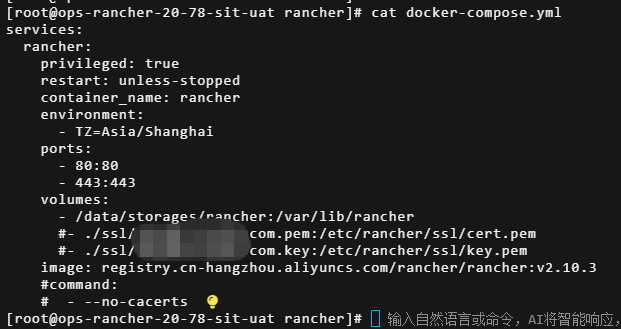
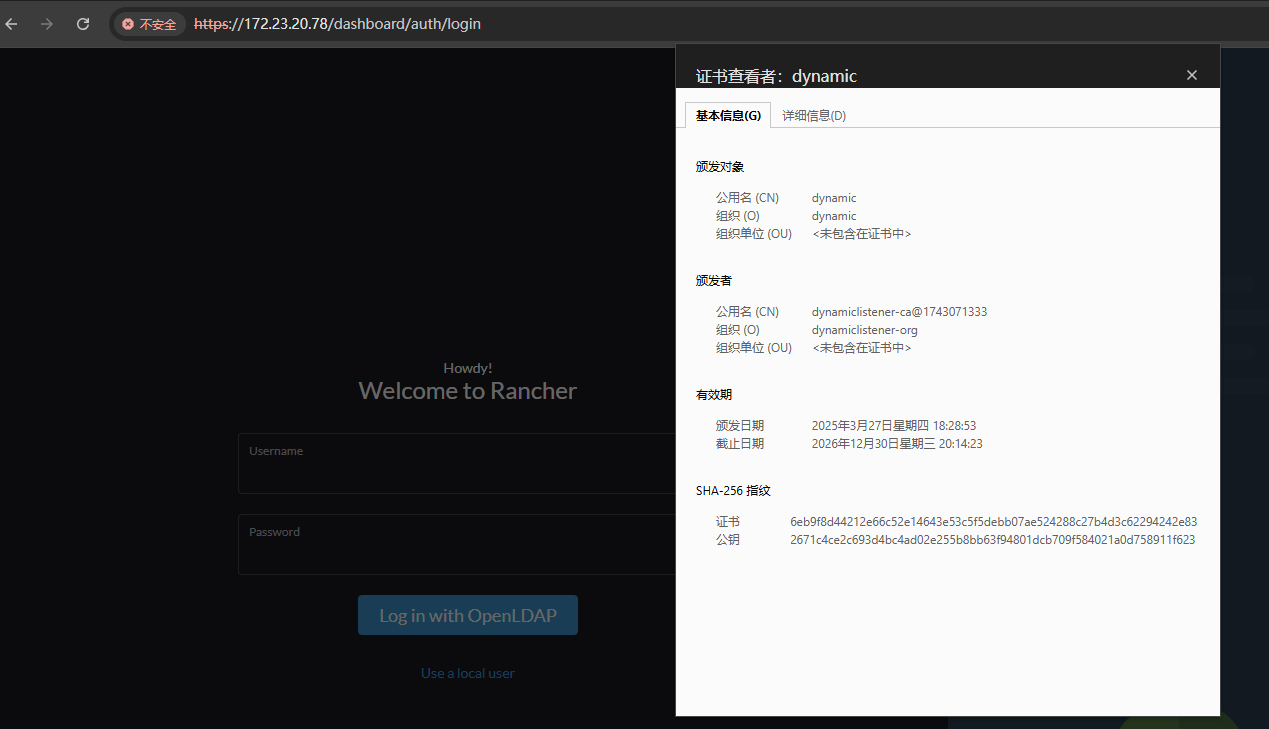
Rancher Server 设置
- Rancher 版本: [v2.10.3]
- 安装选项 (Docker install/Helm Chart):
- 如果是 Helm Chart 安装,需要提供 Local 集群的类型(RKE1, RKE2, k3s, EKS, 等)和版本:
- 在线或离线部署:
下游集群信息
- Kubernetes 版本: 1.36.1-aliyun.1
- Cluster Type (Local/Downstream):
- 托管
群集的rancher-agent:v2.10.3
(cattle-cluster-agent) 启动报错:
CATTLE_NODE_NAME=cattle-cluster-agent-5c7dbd8d5-7sms4 CATTLE_RANCHER_PROVISIONING_CAPI_VERSION=105.1.0+up0.6.0 CATTLE_RANCHER_WEBHOOK_VERSION=105.0.3+up0.6.4 CATTLE_SERVER=https://rancher-sit.tuomin.com CATTLE_SERVER_VERSION=v2.10.3
INFO: Using resolv.conf: search cattle-system.svc.cluster.local svc.cluster.local cluster.local nameserver 169.254.20.10 nameserver 10.3.144.10 options ndots:3 timeout:1 attempts:2
INFO: https://rancher-sit.tuomin.com/ping is accessible
INFO: rancher-sit.tuomin.com resolves to 120.25.233.243
INFO: Value from https://rancher-sit.tuomin.com/v3/settings/cacerts is an x509 certificate
time=“2026-06-12T09:42:46Z” level=info msg=“Listening on /tmp/log.sock”
time=“2026-06-12T09:42:46Z” level=info msg=“Rancher agent version v2.10.3 is starting”
time=“2026-06-12T09:42:46Z” level=info msg=“Testing connection to https://rancher-sit.tuomin.com using trusted certificate authorities within: /etc/kubernetes/ssl/certs/serverca”
time=“2026-06-12T09:42:46Z” level=error msg="Could not securely connect to https://rancher-sit.tuomin.com: Get “https://rancher-sit.tuomin.com": tls: failed to verify certificate: x509: certificate signed by unknown authority”